



Every lab result, connected to better care.

DataToCare is a Laboratory Information Management System (LIMS) connecting diagnostic instruments, laboratory workflows and national health systems in one platform, even where connectivity is unreliable.

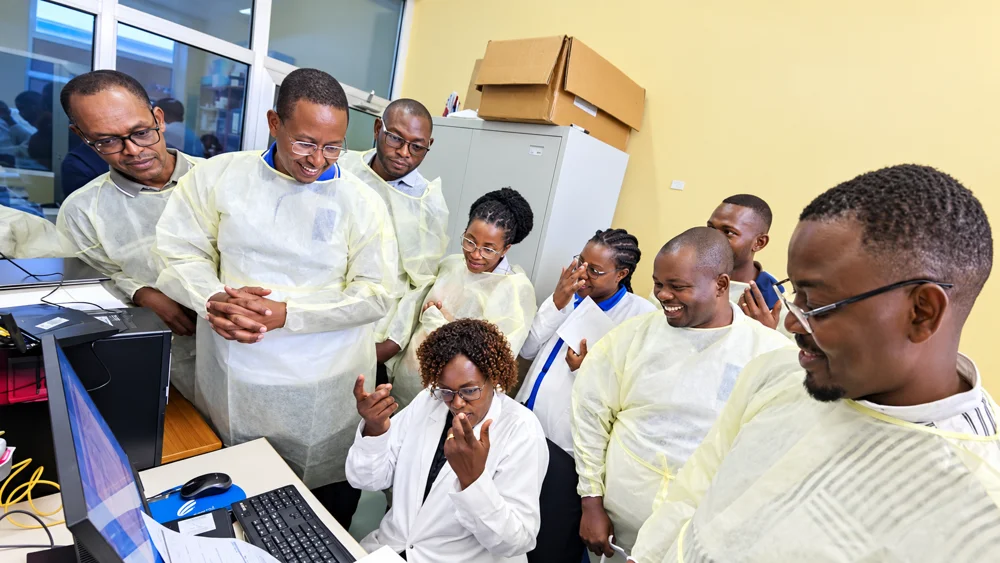
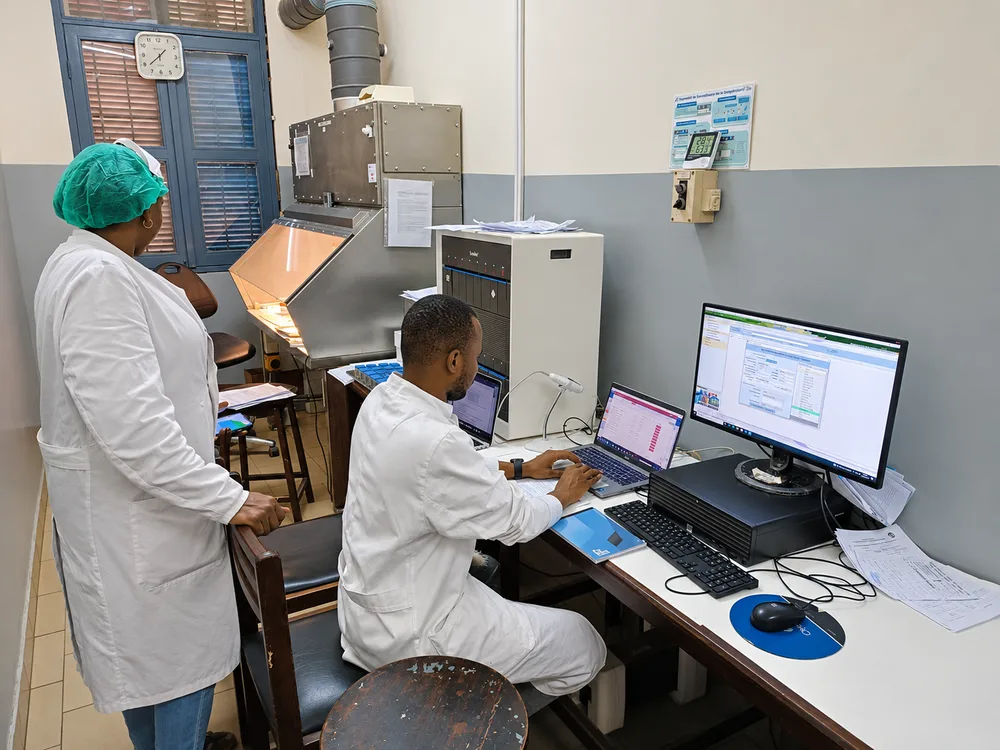
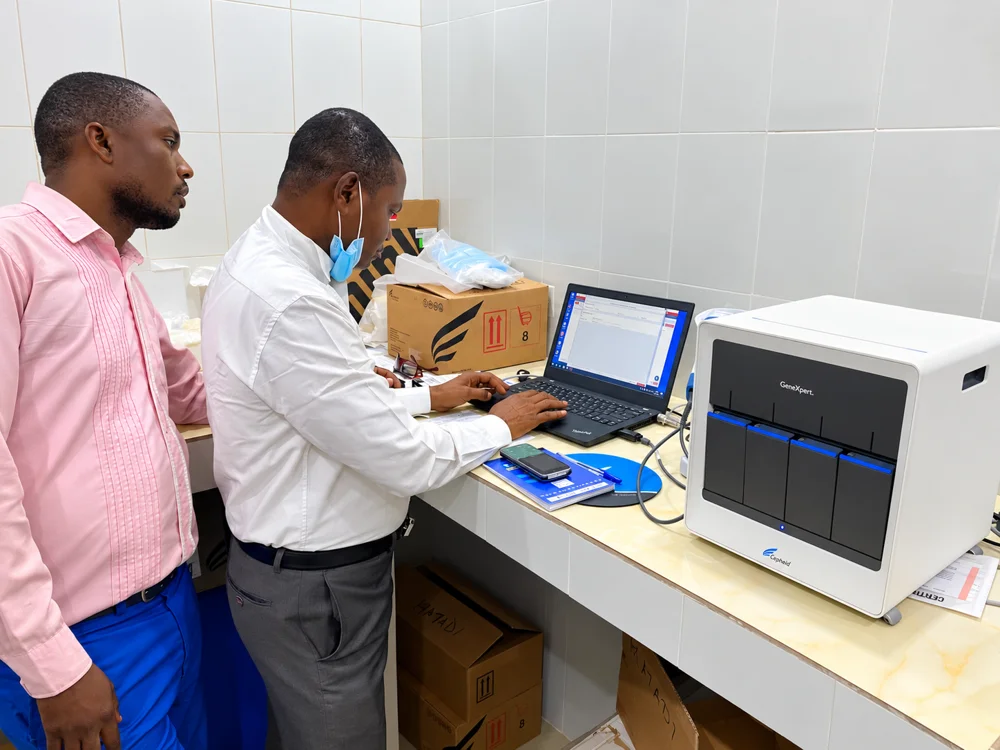
Laboratory staff using a laptop beside a diagnostic instrument.In the laboratory · DataToCare in use

Reach

Built in the field. Proven across borders.

What began as an SMS prototype for GeneXpert results in the Democratic Republic of the Congo became a platform used by laboratory networks and national programmes across Africa and South-East Asia.

  • 1,067

    laboratories

  • 20

    countries

  • 1.2M

    tests

  • 1.2M

    patients

Last available figures · 28 October 2026 · DataToCare public counter

≈ 2,410*estimated lives saved

Less than half the time to treatmentdiagnosis to treatment · published comparison

Explore the impact findings

* Estimated lives saved are extrapolated from the total test count using the September 2023 TB model at 0.00198 per test, rather than measured outcomes.

  1. 2014

    GenXchange prototype sends GeneXpert results by SMS from field laboratories in DR Congo.

  2. 2016

    First version of DataToCare launched by Savics, inspired by GenXchange.

  3. Today

    Desktop, Web and Mobile applications serving laboratory networks and national programmes.

In the literature

  • GLI quick guide to TB diagnostics connectivity solutions — van Gemert W. et al., 2017
  • Connectivity of diagnostic technologies: improving surveillance and accelerating tuberculosis elimination — André E. et al., 2016
  • Development, roll-out and impact of Xpert MTB/RIF for tuberculosis — Albert H. et al., 2016
Read the full story

Laboratory Information Management System

One LIMS, from request
to reviewed result.

DataToCare brings instrument connectivity and end-to-end laboratory management together: patients, samples, requests, validation, inventory, equipment, quality and reporting.

Explore all LIMS features
  1. 01 / Request

    Register & prepare

    Connect patients, samples, prescribers, requests and consent.

  2. 02 / Process

    Capture & work

    Create tests automatically or manually, with configurable routine examination forms.

  3. 03 / Validate

    Review & release

    Configure validation levels, track test status and share validated results.

  4. 04 / Manage

    Monitor & improve

    Manage stock, maintenance, quality indicators, audit history and reports.

Instrument connectivity

From diagnostic instruments
to connected laboratory intelligence.

Send test orders to supported instruments, receive results automatically, and exchange patient information and results with national health systems.

15+ instrument models and families · 32 disease and discipline categories · 307 test entries. The full laboratory menu includes automated instrument results and manually entered tests; exact models and interfaces are confirmed for each deployment.

Search diseases, instruments and test types →

01 / Diagnostic instruments

  • Supplied Cepheid GeneXpert instrument illustration.CepheidGeneXpert DxOrders + results
  • Supplied Abbott m2000 instrument illustration.Abbottm2000Orders + results
  • Supplied Molbio Truenat instrument illustration.MolbioTruenatResults to Web
  • Supplied Sysmex analyzer-family illustration; exact model to be confirmed.SysmexAnalyzer familyResult collection
  • Supplied Roche cobas instrument-family illustration.RochecobasConfigured interface
  • Supplied Pluslife diagnostic analyzer illustration; exact model to be confirmed.PlusLifeDiagnostic analyzerOrders + results

Representative instruments; exact model and driver are confirmed for each deployment. Truenat supports a separate result-push route directly to Web.

ResultsTest orders

02 / At the laboratory

DataToCare
Desktop

Local laboratory workflows

  • Send test orders and receive instrument results
  • Link patients, samples and test orders
  • Review, validate and print results
  • Store locally when offline

Configured instrument interfaces

ASTMHL7

Used where supported by the selected instrument and driver. Other model-specific data sources may apply.

Internet / SMS

03 / Consolidate & manage

DataToCare
Web

Central laboratory data platform

  • Facility and multi-site operations
  • Configurable validation and quality workflows
  • Dashboards, reports and Intelligence
  • Exchange with health information systems
Bidirectional examples: DataToCare sends test orders to GeneXpert Dx, Abbott m2000 and PlusLife, and receives their results. Results synchronize to Web over the internet or configured SMS; patient/request retrieval uses configured APIs. Capture routes and protocols depend on the model, driver and deployment.

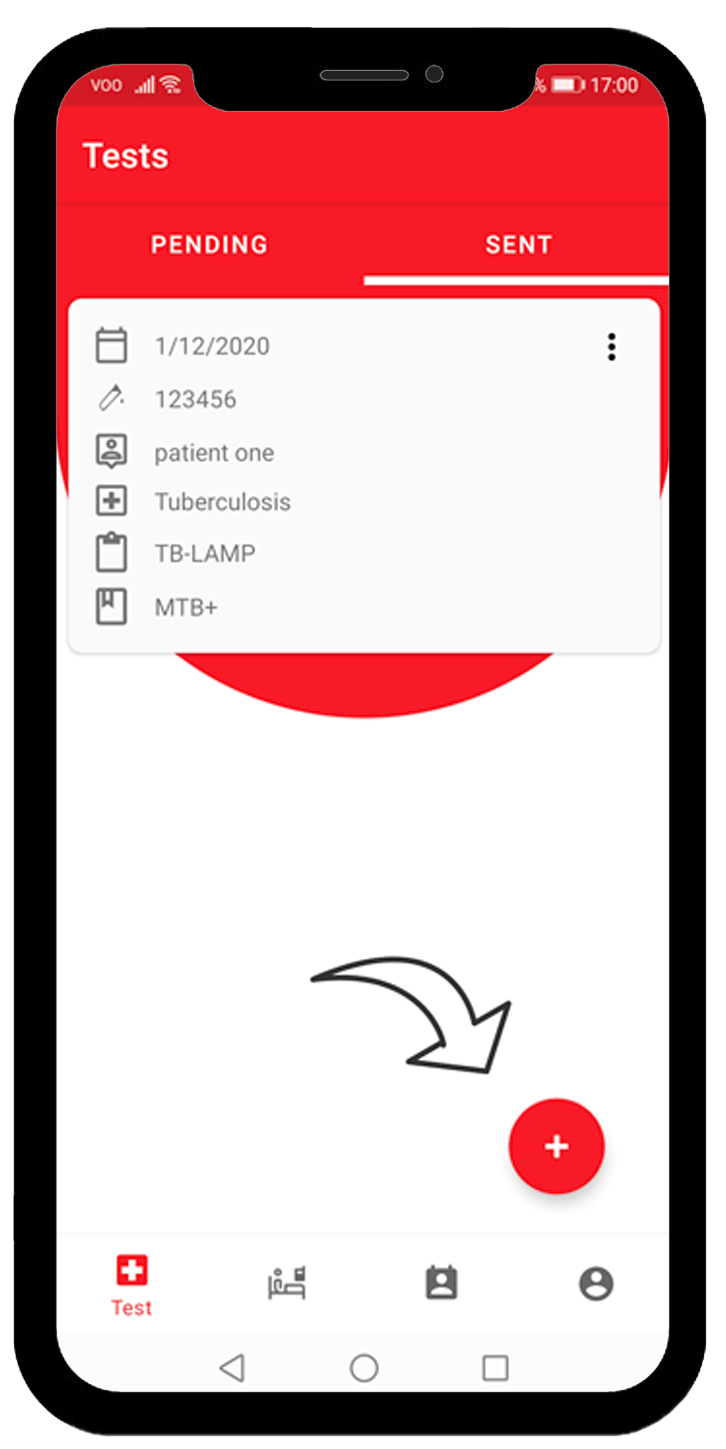
Mobile → request and referralField teams create requests and capture results, with offline synchronization to Web and referral workflows linked to Desktop.

Light → automatic result transferResults move from diagnostic instruments to Web without manual data entry, with automatic catch-up after internet interruptions.

Web → standalone LIMSUse Web directly for centralized laboratory workflows, or connect facility instances to a national instance with buffered forwarding.

Discuss your instruments and workflow

The platform

Three applications, one connected LIMS.

Available in 14 languages. English, French, Russian, Spanish, Portuguese, Indonesian, Khmer, Arabic, Swahili, Lingala, Kirundi and Filipino, plus Hausa and Amharic on Web only. Additional languages are available on request.

Explore the applications — choose one below or use the arrows.

2 / 3 · Web

02 — DataToCare Web

Your laboratory network, managed in one LIMS.

Web is the central LIMS for patients, samples, test requests, results and configurable validation. Run it as a standalone facility platform or connect multiple sites to a central instance.

  • Patient records, duplicate detection and multi-level validation
  • Equipment, inventory, External Quality Control and audit trails
  • Configurable indicators, dashboards and scheduled/on-demand reports
  • Bidirectional DHIS2 exchange and configured national-system interfaces
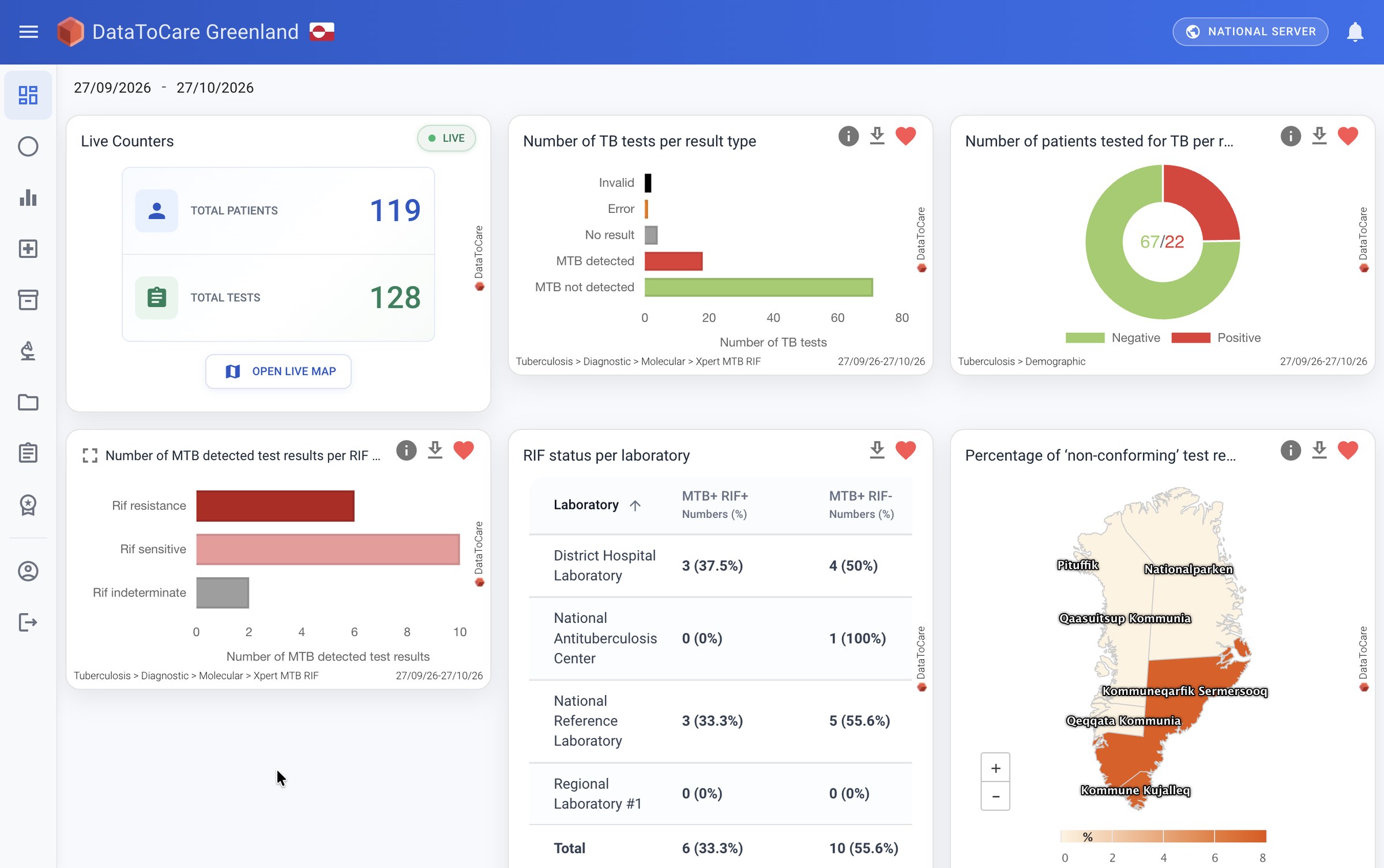
DataToCare Web · dashboard
Actual DataToCare Web dashboard with TB result charts, laboratory indicators and a map; demo data cleared for local review.
Actual product interface · supplied demo dashboard · widget detail
View full screenshot (opens in a new tab)

Capabilities

Designed for the conditions labs actually work in.

A

No connection is not an excuse to lose a result.

Every result is stored in the laboratory first. When the internet drops, DataToCare queues results and sends them as soon as a connection returns — or transmits them by SMS where that option is configured.

Try it: switch the network off, capture a result, then reconnect.

Sync queue
  • …1190MTB/RIF UltraSent
  • …1191MTB/RIF UltraSent
  • …1192HIV-1 VLSent
0 queued

Simulation of the behaviour — not live data.

B

Plays well with the systems ministries already run.

DataToCare connects to laboratory information systems, electronic medical records and national platforms including DHIS2, eTB Manager, TB-MIS and OpenMRS through deployment-specific interfaces.

With bidirectional DHIS2 Tracker exchange, retrieve patient details, register new patients and return test results linked to the correct patient, programme and organisation.

Interoperability details

Everything else a programme needs

01Dashboards & maps

Epidemiological, demographic and operational indicators through tables, charts and maps — from a single laboratory up to the whole country.

02Automated reports

Case-based or aggregated reports, generated automatically or exported on demand, at laboratory, regional and national level.

03Result notifications

Diagnostic results sent by SMS and email to physicians and patients across points of care, according to each programme’s configuration.

04Inventory management

Manage products, batches, transfers, expiry and empty stock. Track cartridge consumption in configured workflows and synchronize inventory with the central server.

05Instrument & analyzer follow-up

Register equipment, schedule maintenance with deadlines and preventive reminders, and retain maintenance, calibration and disinfection history.

06Quality & audit readiness

Manage External Quality Control, accreditation documentation and quality indicators alongside traceable validation and equipment records. These functions support quality work; they do not imply laboratory certification.

07Configured per programme

Configure laboratory forms, validation levels, report content, schedules and access roles for the country programme and disease.

Deployments

From one country to the next.

Deployed since 2016 with ministries of health and national programmes — primarily for tuberculosis, and also for HIV, malaria and hepatitis.

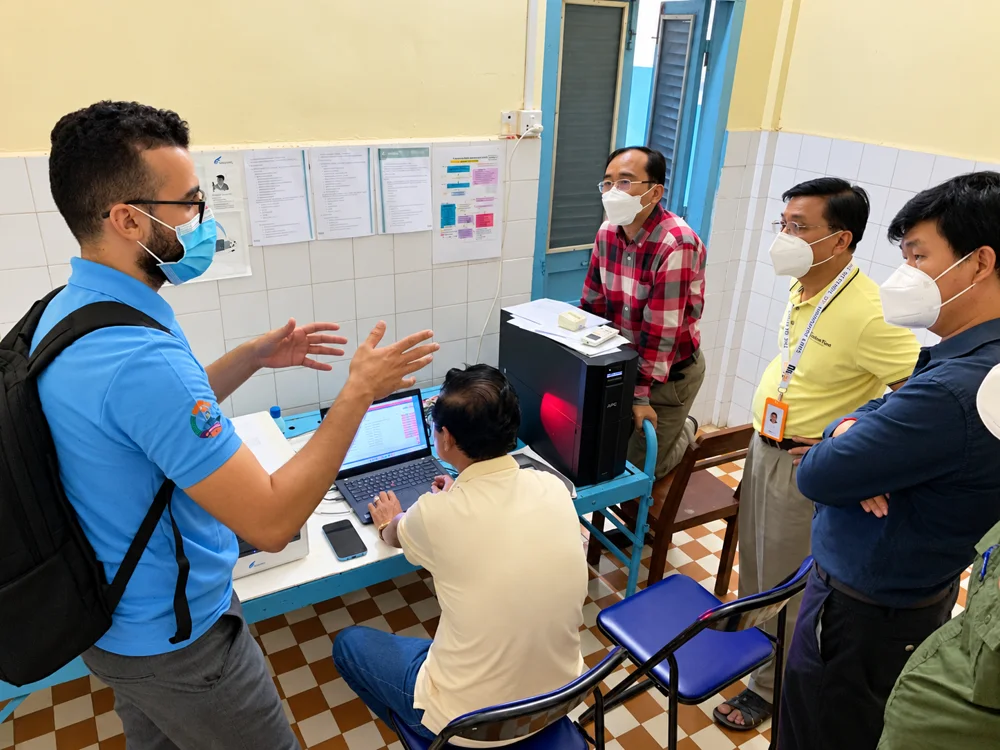
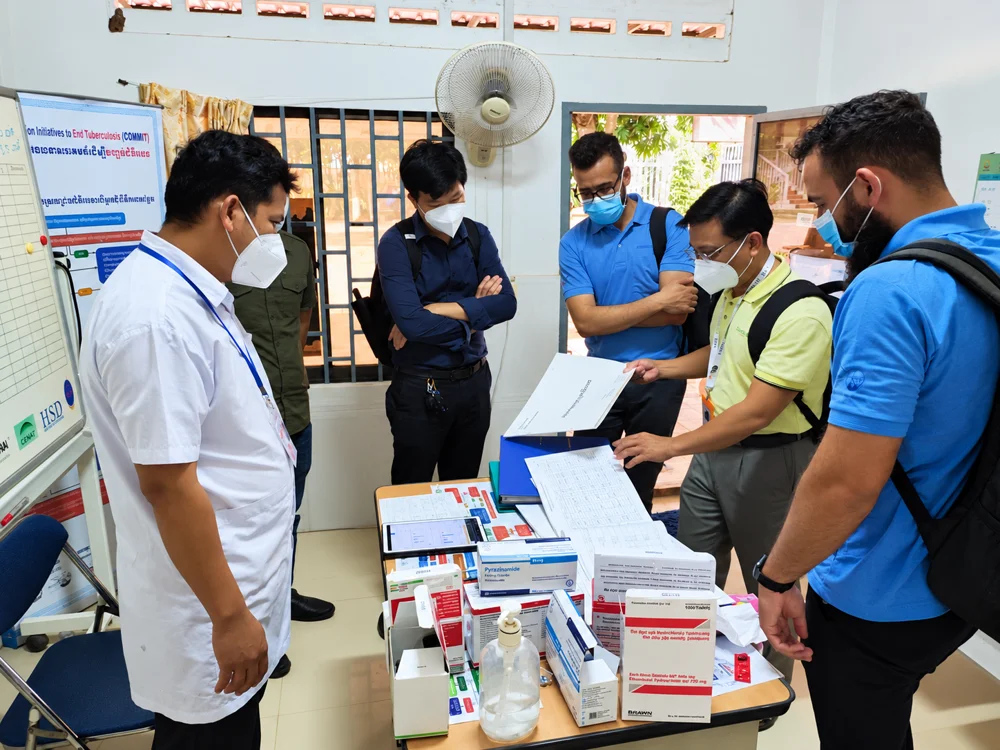
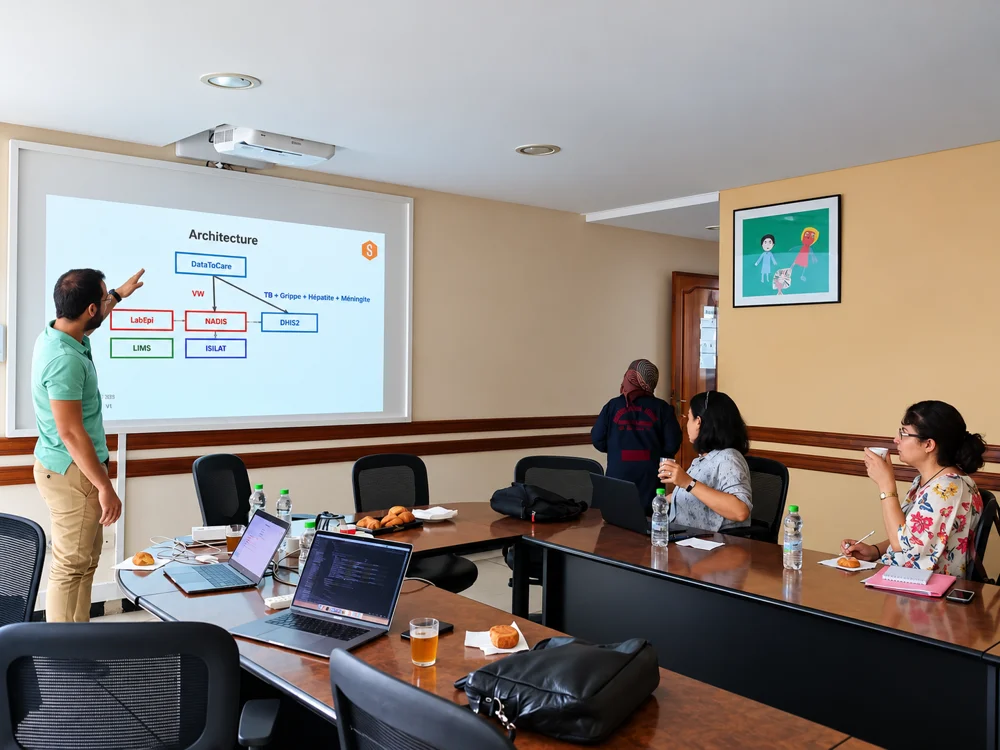
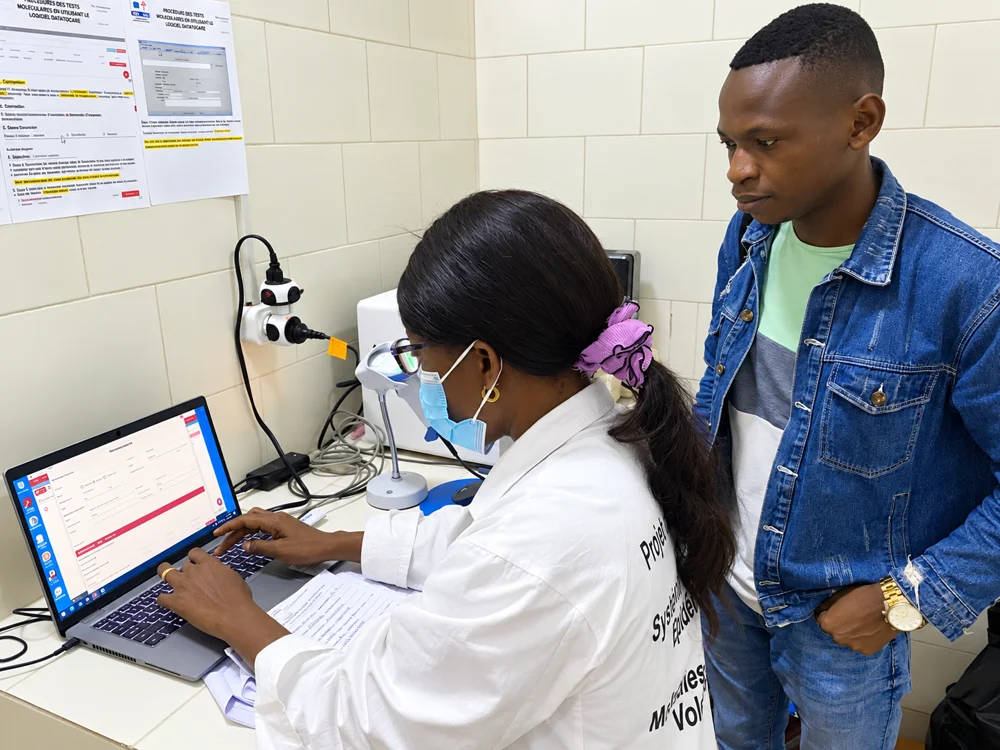
Laboratory colleagues gathered around a computer to review their work.

The people behind the network

Built around the people who make laboratories work.

From the workstation to the programme office, connected information helps teams see the same picture.

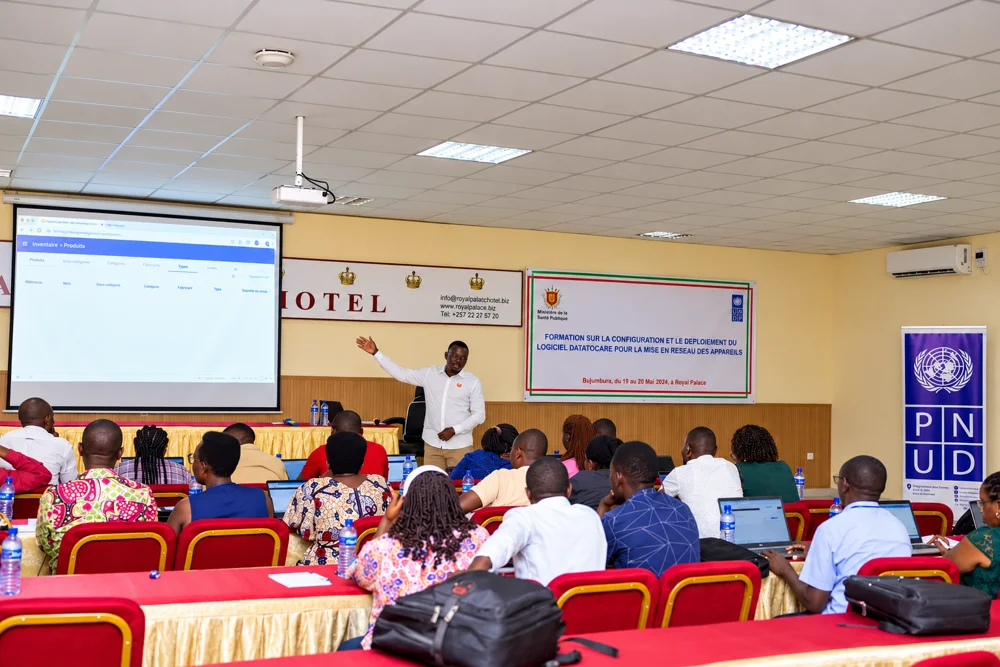
Participants attending a DataToCare training workshop in Burundi.
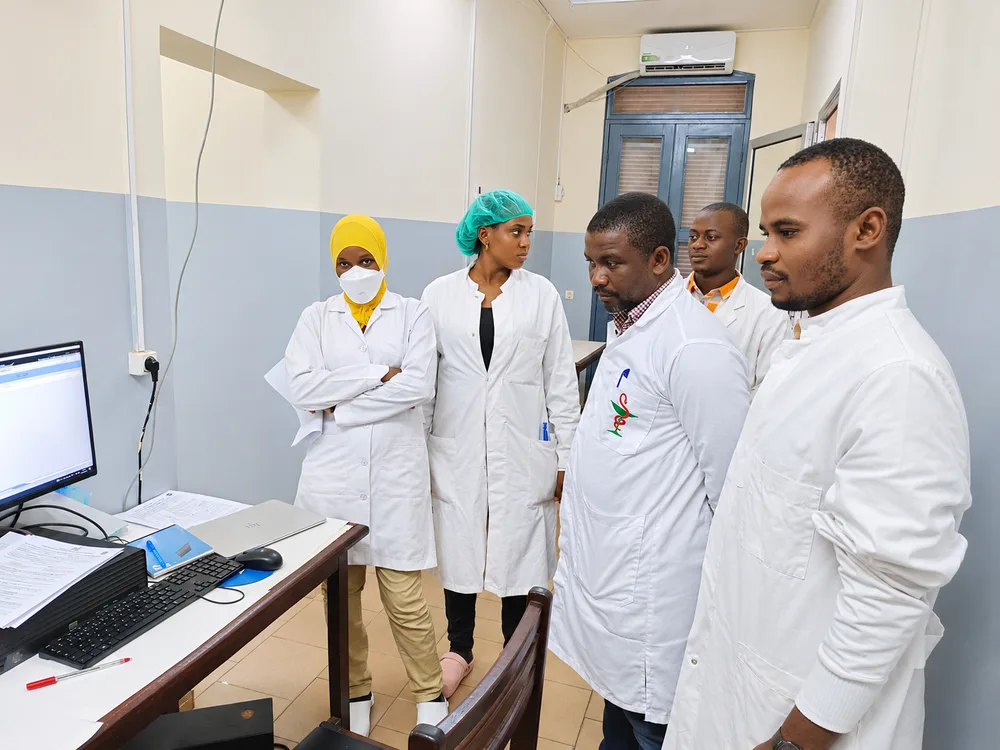
Laboratory colleagues reviewing a computer together in Burundi.

Burundi

Connected laboratories, from the capital to the provinces.

56 laboratories

DataToCare connects Burundi’s laboratory teams to a shared view of diagnostic activity. GeneXpert connectivity, QuantStudio test-history recovery and central Web dashboards bring results together across the network. Delivered with UNDP and the Ministry of Health, the programme pairs instrument integration with practical Desktop and Web training, giving local teams the tools and skills to manage laboratory data and support continued deployment.

Where DataToCare has been deployed

Africa · Benin · Burkina Faso · Burundi · Cameroon · Central African Republic · Côte d’Ivoire · Democratic Republic of the Congo (DRC) · Guinea (Conakry) · Liberia · Mali · Morocco · Niger · Rwanda · Togo · Zambia

Asia · Cambodia · Indonesia · Philippines · Thailand

Europe · Belgium

Explore the impact map

Better-connected labs start with a conversation.

Tell us about your laboratory network or national programme. We’ll show you DataToCare with your instruments, your reports and your connectivity constraints in mind.

Or write to support@savics.org